What we record What WorkdayTracker records, and what it never does
A tracker is only fair if everyone knows what it keeps. This is the whole list.
- Paused
- or stopped, nothing is recorded
- Never recorded
- keystrokes, camera, mic
- Every view
- kept on record
Recorded, and never recorded
Two lists, and nothing in between.
Recorded
- Screenshots. About every 30 seconds, on every monitor. Can be blurred on the device.
- Apps and windows. Which one was in front. Window titles can be hidden.
- Web addresses. Only when your company turns that on.
- Keyboard and mouse. Whether they were in use. Never which keys.
- The task. The one the agent picked.
Never recorded
- Keystrokes
- The webcam
- The microphone
- Files on the computer
- Email and chat content
- Anything on a phone
- Anything while the app is paused or stopped
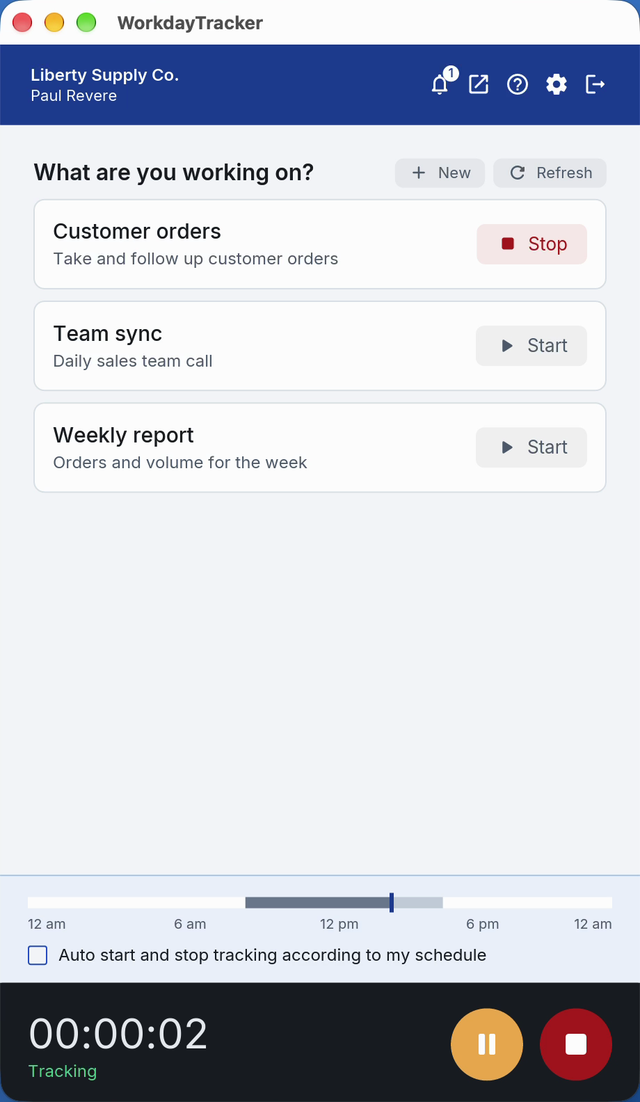
Three states, and only one records
The desktop app is always in one of three states, and the agent can see which.
Recording
The agent is working. Screenshots, apps and the task are recorded.
RecordsPaused
The agent steps away and presses pause. That is their call.
Records nothingStopped
Outside working hours, or whenever the agent stops the app.
Records nothing
What your company chooses
Each of these is set for the whole company, one team or a single agent.
Screenshots
On or off. Time is still recorded without them.
Blur
Applied on the agent's device, before anything is uploaded.
Web addresses
Off until your company turns them on.
AI review
On or off. It reads only what was recorded.
Who can see it
Every view of an agent's screenshots, days and reports is kept on record.
The agent
Their own time, tasks and corrections.
Their managers
The days of the teams they manage, and no others.
Owners and admins
The whole company.
A client
Only through a link the company makes, showing what the company chooses.
How it is used
To show the day and to read it against the job, and for nothing else.
- No AI training
- on any of your data
- Your data
- exported or deleted on request
Questions
Does WorkdayTracker record keystrokes?
No. It records whether the keyboard and mouse were in use, never which keys were pressed. There is no setting to change that.
Does WorkdayTracker use the webcam or microphone?
No. The app never uses the webcam or the microphone.
Does the app record when I am not working?
No. When the app is paused or stopped, nothing is recorded, and it follows the working hours the company sets.
See a manager's morning with it.
A 20-minute demo, then a free two-week pilot with your own agents.